
Marathi Biodata Format for Marriage: 10 Easy Sections (Best Guide)
A clear Marathi biodata format is the first introduction of a boy or a girl in a marriage search. Families look at the biodata before they meet, so it should be neat, complete and easy to read.
In this guide, you will learn the 10 sections of a good Marathi biodata format for marriage, how to add kundali details, and tips to make a Word biodata that you can print or send as a PDF on WhatsApp.
Table of Contents
- Why a Good Marathi Biodata Format Matters
- Marathi Biodata Format: 10 Sections
- Kundali and Patrika Details
- Family Details and Expectations
- Making a Marathi Biodata in Word
- Sample Layout of a Marathi Biodata Format
- Biodata Format for a Boy and for a Girl
- Photo Tips
- Print or Share on WhatsApp
- Privacy and Safety
- Common Biodata Mistakes
- A Ready-Made Marathi Biodata Pack
- Frequently Asked Questions
Why a Good Marathi Biodata Format Matters
In a marriage search, a family reads the biodata in a minute. A clean Marathi biodata format makes a good first impression and puts all key facts in one place.
- Easy to read: short sections in a clear order.
- Complete: personal, kundali, family and contact details.
- Easy to share: one A4 page that works as a PDF or a print.
Marathi Biodata Format: 10 Sections
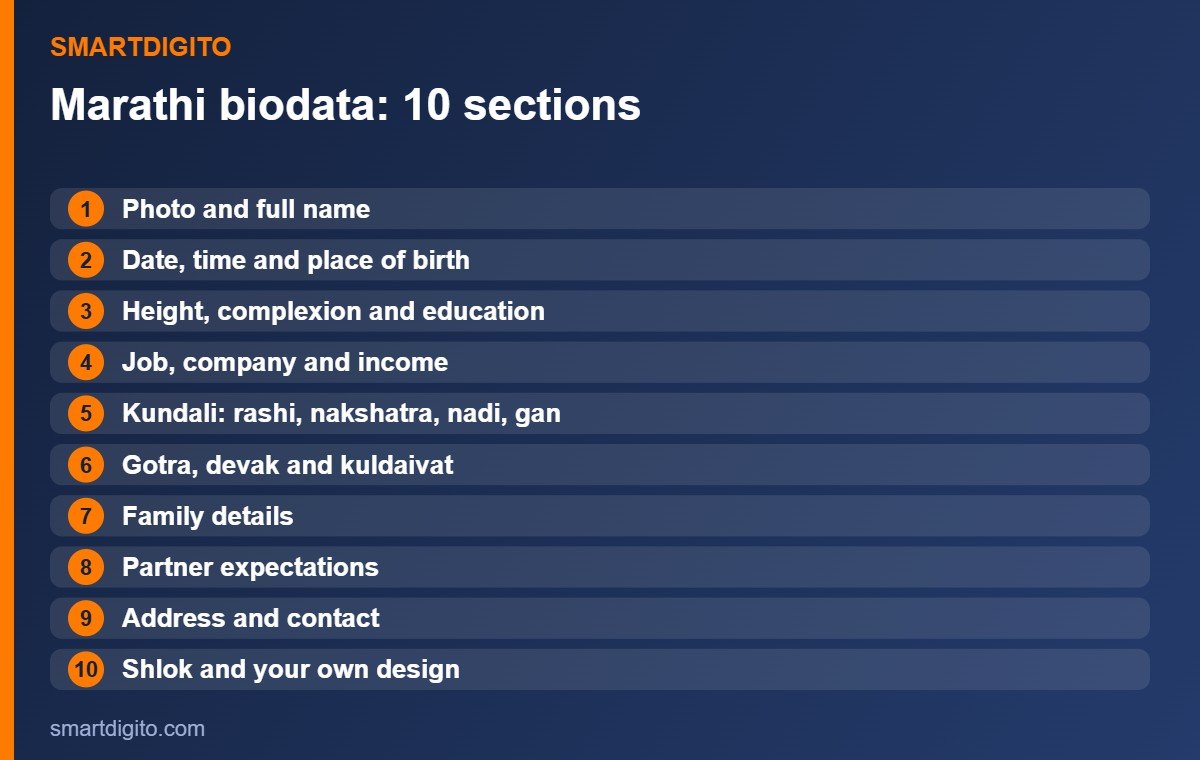
A good Marathi biodata format has these ten sections. You can write them in Marathi, for example नाव, जन्मतारीख, उंची and शिक्षण.
- Photo and full name (नाव). A clear recent photo with the full name.
- Birth details (जन्मतारीख, वेळ, ठिकाण). Date, time and place of birth.
- Physical details. Height (उंची), complexion (वर्ण) and blood group, if you wish.
- Education (शिक्षण). Degrees and the college or university.
- Job or business (नोकरी/व्यवसाय). Company, role and income range, if you wish to share it.
- Kundali details (पत्रिका). Rashi, nakshatra, nadi, gan and gotra.
- Religious details. Devak and kuldaivat, if your family follows them.
- Family details (कौटुंबिक माहिती). Parents, brothers and sisters, and their work.
- Expectations (अपेक्षा). Short, polite and realistic.
- Contact (संपर्क). Address, phone and a family contact person.
Kundali and Patrika Details
Many Maharashtrian families check the patrika first. In a Marathi biodata format with kundali, keep a small box for the birth chart, or add a photo of the patrika.
- Write rashi, nakshatra, nadi, gan and gotra in the same order every time.
- Check the birth date and time with your parents before you print.
- If you do not follow kundali, simply leave this section out.
Family Details and Expectations
Family details tell the other side about your background. Keep them short, honest and respectful.
- Write parents’ names and their work, and the number of brothers and sisters.
- Mention native place and current city.
- In expectations, use two or three polite lines about education, values and city.
Making a Marathi Biodata in Word
Word is the easiest tool for a Marathi biodata format. You can edit it any time and print it on A4.
- Use a table with two columns: the label on the left and the detail on the right.
- Choose a Marathi Unicode font, so the text shows on every phone and computer.
- Add a shlok at the top, such as ॥ श्री गणेशाय नमः ॥, or your own family blessing.
- Keep everything on one A4 page, with a margin of at least half an inch.
Sample Layout of a Marathi Biodata Format
Here is a simple layout that works well for a Marathi biodata format on one A4 page.
- Top band: the shlok in the centre, with a thin decorative border.
- Left side: the photo in a neat frame, with the full name below it.
- Right side: a table with birth details, height, education and job.
- Middle: a kundali box and the religious details, if you follow them.
- Lower part: family details and expectations in two short blocks.
- Footer: address and contact, with the family contact person.
Keep enough white space between blocks, so the Marathi biodata format looks calm and easy to read.
Biodata Format for a Boy and for a Girl
The sections of a Marathi biodata format are almost the same for both. A few small points differ.
- Boy: families usually look at education, job or business, income range and family property details.
- Girl: families usually look at education, job plans, interests and family background.
- Both: be honest, keep the language polite and avoid very long expectation lists.
Whether you use the biodata for a boy or a girl, always check every fact with your parents before you print it.
Photo Tips
A good photo makes your Marathi biodata format stand out.
- Use a recent, clear photo with a plain background.
- Wear simple, neat clothes and smile naturally.
- In Word, right-click the photo and choose Change Picture, so it fits the same frame.
Print or Share on WhatsApp
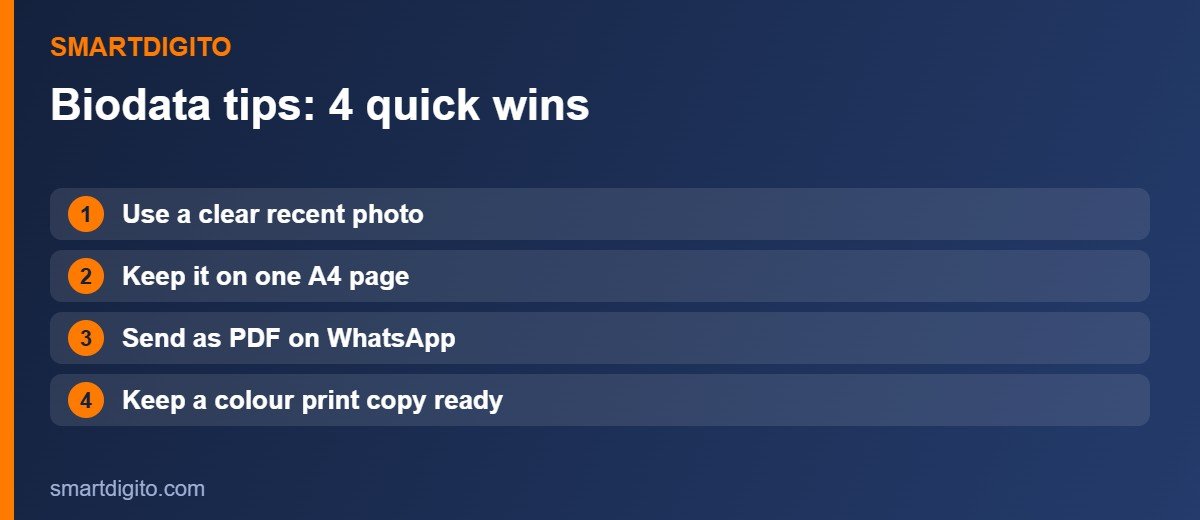
Once the biodata is ready, save it in two forms.
- PDF for WhatsApp: use File, then Save As, and choose PDF (see the Microsoft Word help centre if you need help). Name it clearly, for example Biodata-Name.pdf.
- Print copy: take a colour print on A4 and keep two or three copies ready for family meetings.
Privacy and Safety
A biodata has personal details, so share it carefully.
- Do not write bank details, ID numbers or your exact home address in a biodata that you post on public groups.
- Share the full contact only after the families are in touch.
- Send it directly to known families or trusted matrimony platforms.
Common Marathi Biodata Mistakes
- Too much text, so the page looks crowded.
- A blurry or old photo.
- Missing birth time or gotra.
- Spelling mistakes in names and places.
- Saving only as Word, so the layout changes on another phone.
A Ready-Made Marathi Biodata Pack
If you do not want to design it yourself, the Marathi Biodata for Marriage in Word Format pack gives you 30 designs in 2 colours each. It includes traditional, royal and modern styles, and designs with kundali. The Marathi fonts are included, and you can edit it in Word, change the photo and send a PDF on WhatsApp.
Frequently Asked Questions
What should be in a Marathi biodata?
It should have a photo, name, birth details, education, job, kundali details, family details, expectations and contact details.
Can I make a Marathi biodata in Word?
Yes. Use a two-column table, a Marathi Unicode font and one A4 page, then save it as a PDF.
Is it necessary to add kundali?
Not always. Add it if your family follows it, and leave it out if you do not.
How long should a biodata be?
One A4 page is ideal. It is easy to read, print and share.
Final Thoughts
A good Marathi biodata format is simple, complete and well-designed: the ten sections, a clear photo and a clean page. Make it once, save it as a PDF and a print copy, and keep it ready for every family meeting.
Note: This guide is general information. Please share personal details with care.