
Question Paper Using ChatGPT: 6 Easy Steps for Teachers
Making a question paper using ChatGPT can cut your paper-setting time from hours to minutes. You give the AI your class, subject, chapters and marks pattern, and it returns a draft paper with an answer key. You then check, edit and finalise it.
In this guide, you will learn 6 easy steps to make a question paper using ChatGPT, a sample prompt, and a review list that keeps your paper accurate and fair. It works with free AI tools like ChatGPT, Gemini, Meta AI and Copilot.
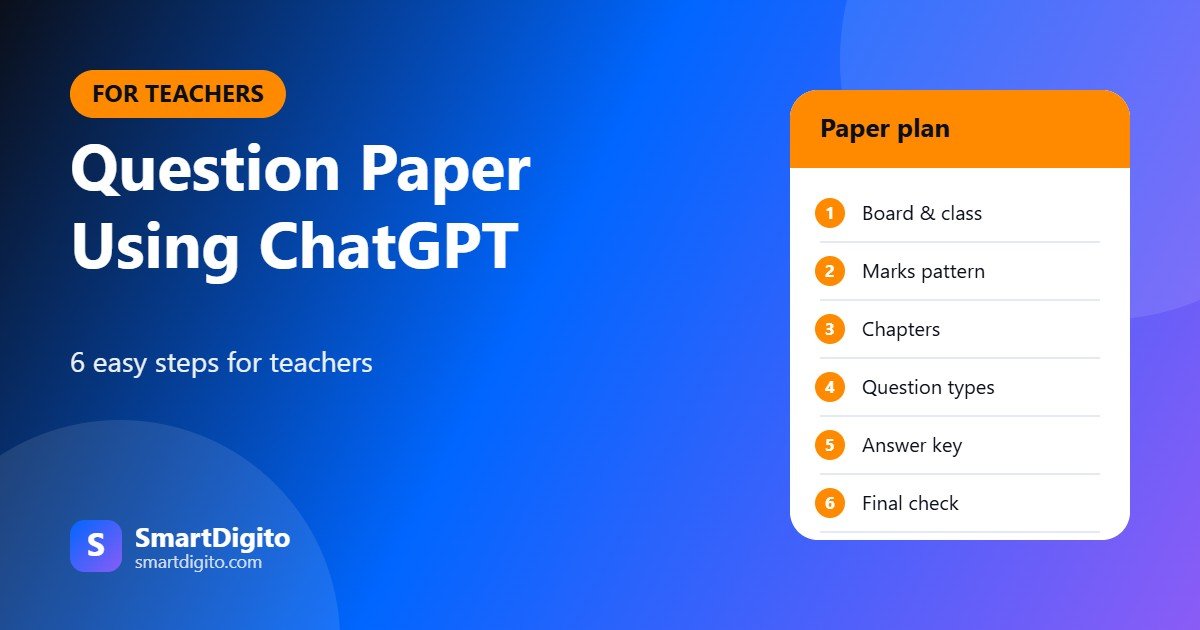
Table of Contents
- Why Use AI for Question Papers
- Question Paper Using ChatGPT: 6 Easy Steps
- A Sample Prompt You Can Copy
- Question Types You Can Ask For
- How to Check Every AI Question
- Question Paper Using ChatGPT for Different Subjects
- Keep the Paper Fair and Secure
- Common Mistakes to Avoid
- More Than a Question Paper
- Ready-Made Prompt Tools for Teachers
- Frequently Asked Questions
Why Use AI for Question Papers
Setting a paper takes time. You must cover the syllabus, balance easy and hard questions and prepare an answer key. A question paper using ChatGPT gives you a strong first draft in a minute.
- Faster: a full draft with a marking scheme in minutes.
- More variety: many question types, such as MCQs and short answers.
- Easy changes: you can ask for a simpler paper or a second set.
Question Paper Using ChatGPT: 6 Easy Steps
Step 1: Set the Basics
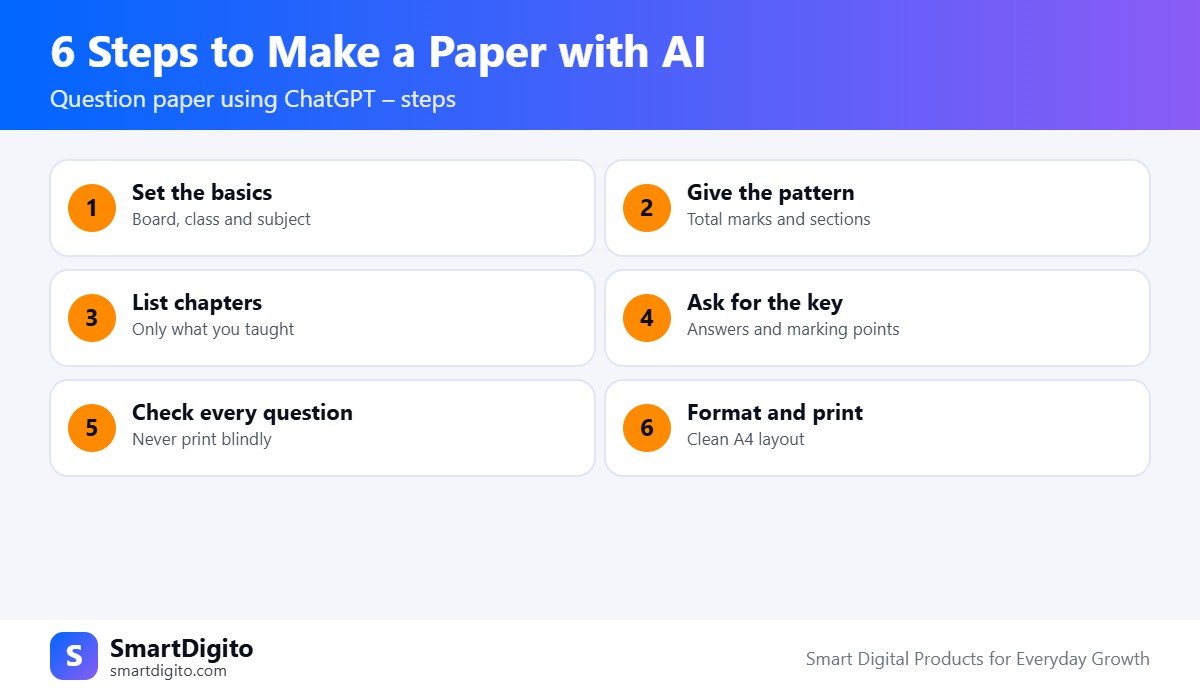
Tell the AI the board, class and subject. For example, “CBSE Class 8 Science” or “State Board Class 10 Maths”.
Step 2: Give the Pattern
Write the total marks, time and sections. For example, “40 marks, 90 minutes, Section A with 10 MCQs, Section B with 5 short answers”.
Step 3: List the Chapters
Include only the chapters you taught. This keeps your question paper using ChatGPT inside your syllabus.
Step 4: Ask for the Answer Key
Ask for answers and marking points with every question. This also helps you spot wrong answers quickly.
Step 5: Check Every Question
Solve or read each question yourself. Do not print an AI paper without checking.
Step 6: Format and Print
Copy the paper into Word or Google Docs, add your school name, set the layout on A4 and print.
A Sample Prompt You Can Copy
Use this prompt as a base for a question paper using ChatGPT. Change the details to match your class.
You are an experienced Class 8 Science teacher in India (CBSE).
Make a unit test of 25 marks and 45 minutes.
Chapters: Crop Production, Microorganisms.
Section A: 5 MCQs (1 mark each).
Section B: 5 short answer questions (2 marks each).
Section C: 2 long answer questions (5 marks each, with internal choice).
Mix easy, medium and hard questions.
Give an answer key with marking points at the end.
Use simple language.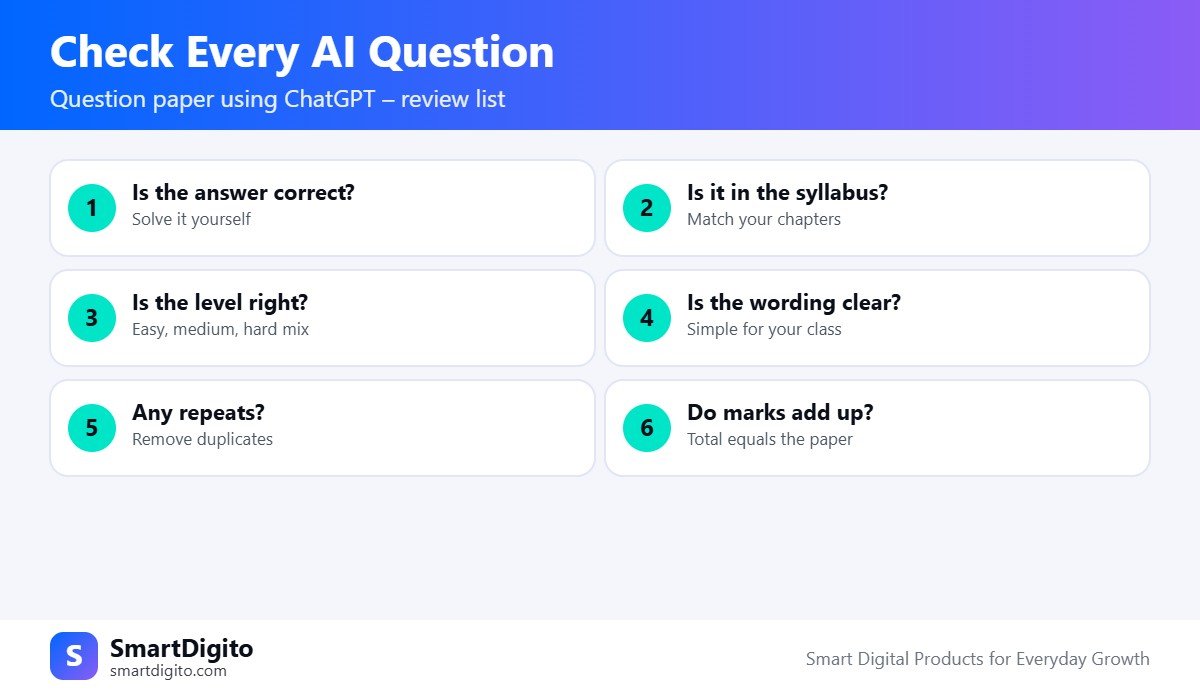
Question Types You Can Ask For
- MCQs: quick to check and good for concepts.
- Fill in the blanks: useful for key terms.
- True or false: good for revision.
- Short answers: test understanding in two or three lines.
- Long answers: test explanation and reasoning.
- Case-based questions: a small passage followed by questions.
- Numericals: for Maths and Science, with worked solutions.
How to Check Every AI Question
This step matters most when you make a question paper using ChatGPT. AI tools can write a question that sounds right but has a wrong answer.
- Is the answer correct? Solve it yourself.
- Is it in your syllabus? Match it with your chapters.
- Is the level right? Keep a mix of easy, medium and hard.
- Is the wording clear? Simplify long sentences.
- Are there repeats? Remove duplicate questions.
- Do marks add up? The sections must match the total.
Common Mistakes to Avoid
- Printing the AI paper without checking.
- Not giving the marks pattern, so the AI guesses.
- Including chapters you have not taught.
- Using the same paper for two classes without changes.
- Typing students’ names or marks into a public AI tool.
More Than a Question Paper
Once you know how to make a question paper using ChatGPT, you can use the same method for other tasks. Ask for worksheets, quick quizzes, answer keys, model answers and revision notes.
You can also plan lessons with the same tool. Read our guide to a lesson plan using ChatGPT. After the exam, you can prepare report cards with our result card format in Excel.
For syllabus and exam guidance, check the official CBSE website or your own board’s website.
Ready-Made Prompt Tools for Teachers
The Teacher Prompt Builder is a mobile-friendly web tool. You choose your class, board and subject, pick a task like a unit test or a question paper, and it builds a ready prompt that you can copy to ChatGPT, Gemini or WhatsApp. It builds prompts only and is not an AI itself.
If you prefer a collection, the 500+ AI Prompts for Teachers pack has prompts for question papers, worksheets, lesson plans, remarks and parent messages.
Question Paper Using ChatGPT for Different Subjects
The method is the same for every subject, but ask for the right question style.
- Maths: ask for step-wise solutions, and check each calculation yourself.
- Science: mix diagrams to label, reasons and short explanations.
- English: use a short unseen passage, grammar items and a writing task.
- Social science: use map work, cause and effect, and short notes.
For a question paper using ChatGPT in a language subject, ask for original passages, and read them for correctness and age-fit.
Keep the Paper Fair and Secure
A paper must be fair and must stay secret until the exam. Follow these habits when you make a question paper using ChatGPT.
- Do not paste real student names or marks into a public AI tool.
- Delete the AI chat after you copy the final paper, and keep the file safe.
- Do not reuse an old paper with only small changes if students may have seen it.
- Print only the number of copies you need, and keep them locked.
With these simple habits, your paper stays reliable, fair and safe.
Frequently Asked Questions
Can ChatGPT make a question paper?
Yes. Give it the board, class, chapters and marks pattern, and it will give a draft paper and answer key.
Is a question paper using ChatGPT reliable?
It is a good first draft, but it can have errors. Always check each question and answer.
Can I make the paper in Hindi or Marathi?
Yes. Ask the AI to write in your language, then read the paper carefully for correct wording.
How do I make a second set of the same paper?
Ask the AI for “Set B with different questions but the same pattern and difficulty”.
Final Thoughts
A question paper using ChatGPT saves hours, but your judgement makes it good. Give a clear pattern, list your chapters, ask for an answer key and review every question before it reaches your students.
Note: AI tools can make mistakes. Always review the output before using it for an exam.