Lesson Plan Using ChatGPT: 7 Easy Prompts for Indian Teachers
Writing a lesson plan using ChatGPT can save a teacher hours every week. Instead of starting with a blank page, you give the AI a few clear details and get a draft plan in seconds. You then edit it to match your class, your board and your teaching style.
In this guide, you will learn a simple prompt formula, 7 ready-to-use prompts for a lesson plan using ChatGPT, and a checklist to review every AI draft. It works with ChatGPT, Gemini, Meta AI, Copilot and other free AI tools.
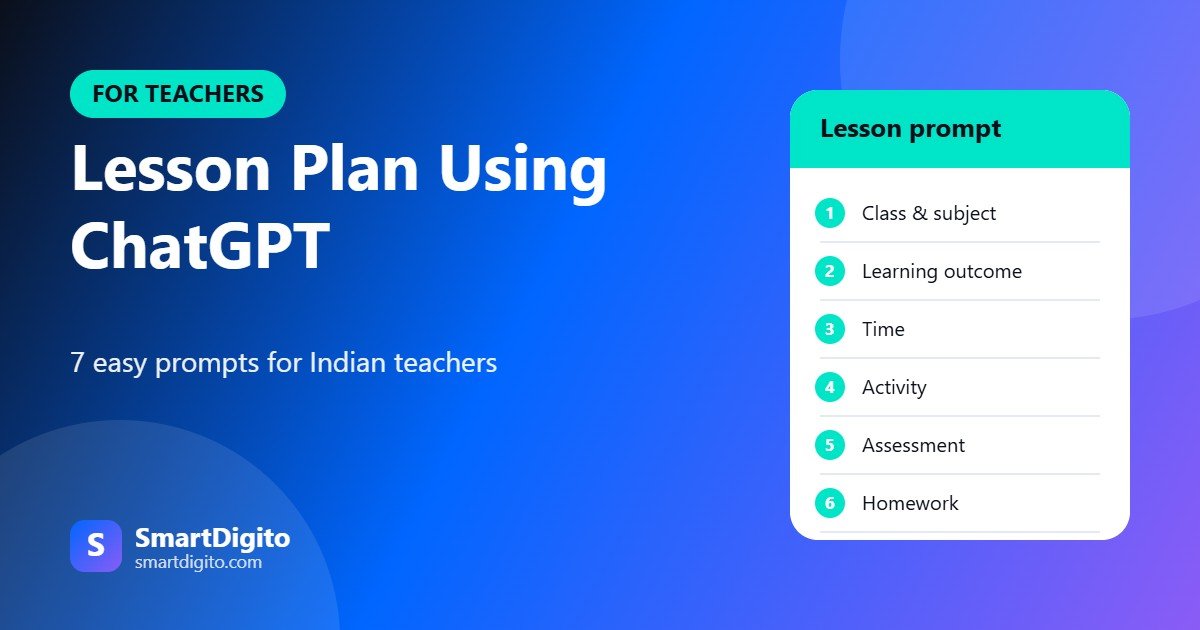
Table of Contents
- Why Use AI for Lesson Planning
- A Simple Prompt Formula
- Lesson Plan Using ChatGPT: 7 Easy Prompts
- Example Prompt for a Class 6 Science Lesson
- Lesson Plan Using ChatGPT for Different Subjects
- For Slow and Advanced Learners
- How to Review an AI Lesson Plan
- Tips to Get Better Results
- Use AI Safely in School
- Ready-Made Prompts for Teachers
- Frequently Asked Questions
Why Use AI for Lesson Planning
Teachers spend a lot of time on planning, worksheets and notes. A lesson plan using ChatGPT does not replace your judgement. It gives you a first draft, so you can spend your time on teaching.
- Saves time: a draft plan takes a minute, not an hour.
- Fresh ideas: the AI can suggest activities you may not have tried.
- Easy to adjust: you can ask for a simpler or harder version.
A Simple Prompt Formula
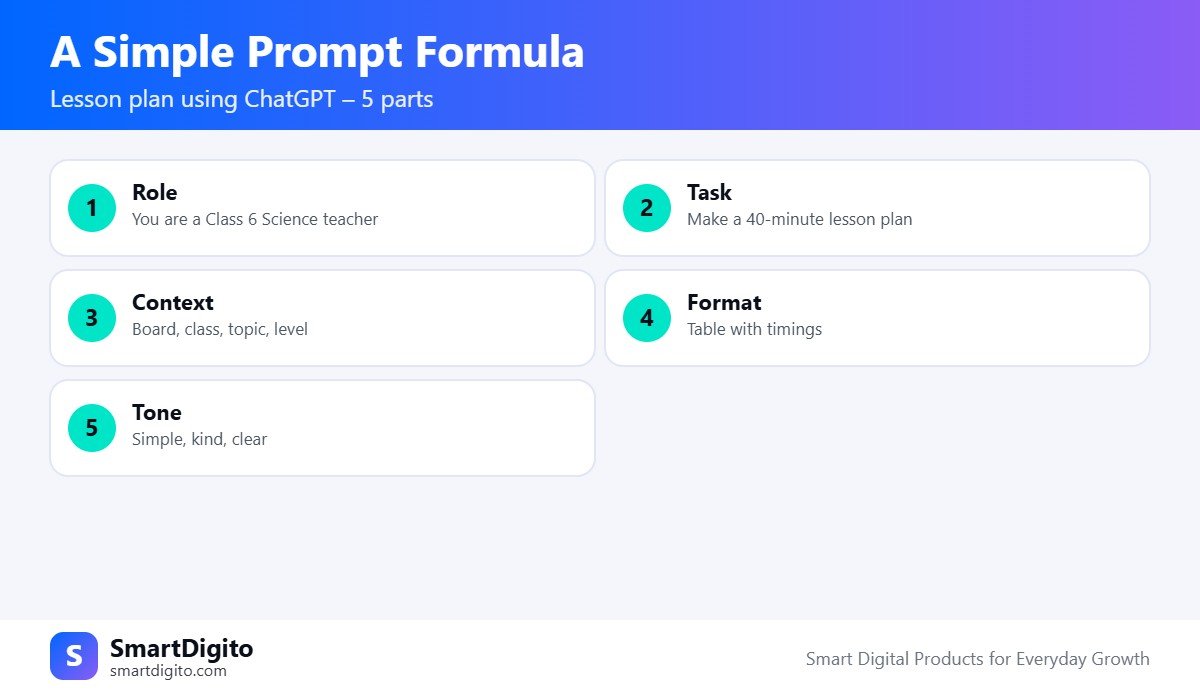
The quality of a lesson plan using ChatGPT depends on your prompt. A clear prompt has five parts.
- Role: tell the AI who it is, such as “a Class 6 Science teacher”.
- Task: say what you need, such as “a 40-minute lesson plan”.
- Context: add the board, class, topic and student level.
- Format: ask for a table, a list or a step-by-step plan.
- Tone: ask for simple, kind and clear language.
Lesson Plan Using ChatGPT: 7 Easy Prompts
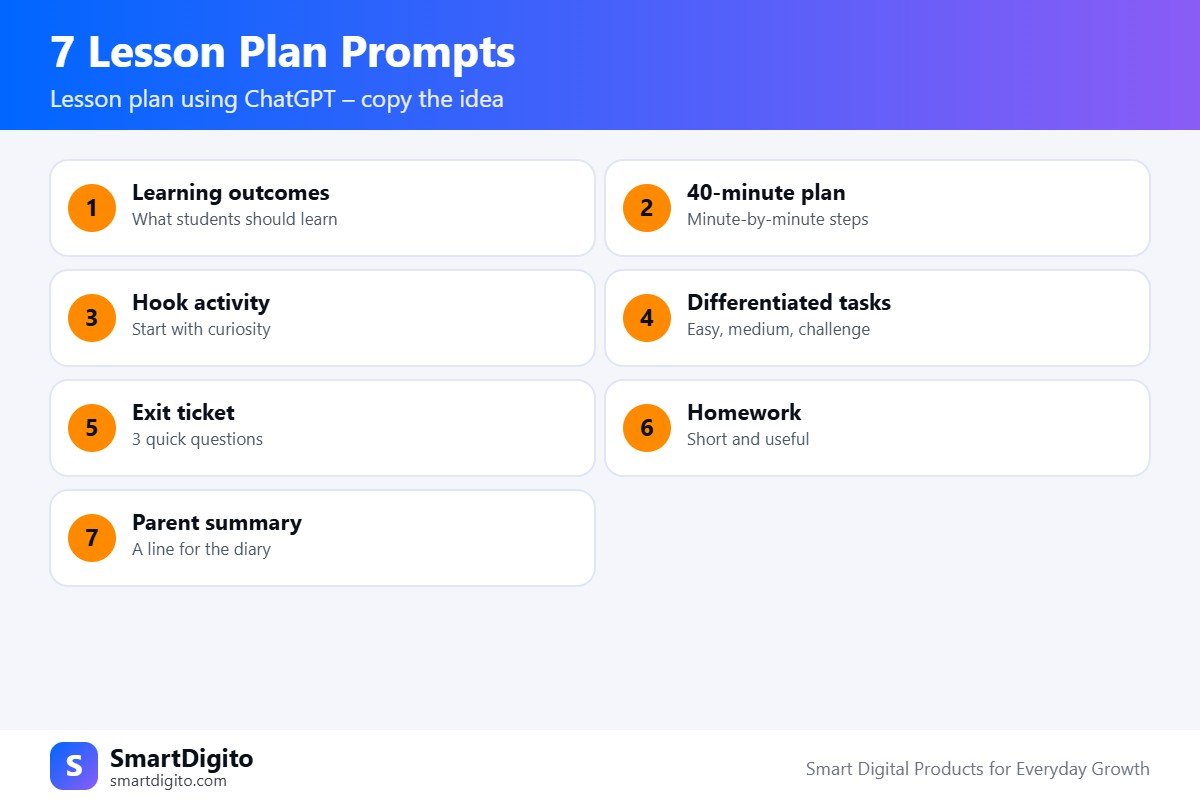
Use these prompt ideas and add your own class details.
1. Learning Outcomes
Ask: “Write 4 clear learning outcomes for [topic] for Class [x], as per [board].” Outcomes keep the whole lesson focused.
2. A 40-Minute Plan
Ask: “Make a 40-minute lesson plan on [topic] with timings for introduction, explanation, activity and recap, in a table.”
3. A Hook Activity
Ask: “Suggest a 5-minute opening activity to make students curious about [topic], using a simple Indian example.”
4. Differentiated Tasks
Ask: “Give three tasks on [topic] for easy, medium and challenge levels, so all students can take part.”
5. An Exit Ticket
Ask: “Write 3 quick questions to check what students learned at the end of the class.”
6. Homework
Ask: “Suggest short and useful homework on [topic] that takes 15 minutes.”
7. A Parent Summary
Ask: “Write a two-line note for parents about what we learned today and how they can help at home.”
Example Prompt for a Class 6 Science Lesson
Here is a full prompt for a lesson plan using ChatGPT. Replace the details with your own.
You are an experienced Class 6 Science teacher in India.
Make a 40-minute lesson plan on "Components of Food".
Board: CBSE. Students: mixed level, 35 in class.
Include: learning outcomes, a 5-minute hook, explanation,
one group activity, 3 exit questions and 1 homework task.
Give the plan in a table with timings. Use simple English.
The AI will return a structured draft. Now read it carefully and change what does not fit your class.
How to Review an AI Lesson Plan
Never use an AI draft without checking it. A short review keeps your lesson plan using ChatGPT accurate and safe.
- Is every fact correct and aligned with your textbook?
- Do the timings fit your real period length?
- Are the activities possible with your classroom resources?
- Is the language right for your students’ level?
- Does it match your board and syllabus?
Tips to Get Better Results
- Be specific. Add class, board, topic, time and level in every prompt.
- Ask follow-ups. Say “make it simpler” or “add one more activity”.
- Save your best prompts. Keep a note of prompts that work well.
- Ask for local examples. Use examples from India and from your students’ daily life.
- Use your voice. Edit the draft so it sounds like you.
Use AI Safely in School
When you plan a lesson using ChatGPT, do not type students’ names, marks or personal details into a public AI tool. Use general descriptions instead. Follow your school’s policy on AI tools.
For official guidance on curriculum, check the CBSE website or the website of your own board.
Ready-Made Prompts for Teachers
If you do not want to write every prompt from scratch, our 500+ AI Prompts for Teachers pack has ready prompts for lesson plans, question papers, worksheets, report card remarks and parent messages. It is made for Indian classrooms and works with free AI tools.
To build prompts by tapping options on your phone, see the Teacher Prompt Builder. You can also read how to make a question paper using ChatGPT.
Lesson Plan Using ChatGPT for Different Subjects
The same five-part formula works for every subject. Only the activities change.
- Maths: ask for worked examples, a common-mistakes list and a game to practise the rule.
- Science: ask for a simple experiment with items found at home or in school.
- Languages: ask for a story-based activity, vocabulary practice and a speaking task.
- Social science: ask for a timeline, a role play or a map activity.
When you plan a lesson using ChatGPT for a language class, you can also ask the AI to include a few lines in Hindi or Marathi. Always check the language yourself.
Lesson Plan Using ChatGPT for Slow and Advanced Learners
Every class has students at different levels. Ask the AI to adapt the same lesson in two ways.
- For students who need support: shorter steps, more examples and a simple recap.
- For advanced students: a challenge question and a small project idea.
This makes your lesson plan using ChatGPT more useful, because one plan can serve the whole class.
Frequently Asked Questions
Can ChatGPT make a lesson plan for me?
Yes. Give it the class, board, topic, time and level, and it will give a draft that you can edit.
Is a lesson plan using ChatGPT accurate?
It can contain mistakes, so always check facts and match the plan with your textbook.
Which AI tools are free for teachers?
ChatGPT, Gemini, Meta AI and Copilot have free versions. Features and limits change, so check each tool.
Can I use the same prompts in Hindi or Marathi?
Yes. You can ask the AI to reply in Hindi or Marathi, but review the language carefully.
Final Thoughts
A lesson plan using ChatGPT is a tool, not a replacement for a good teacher. Use the five-part formula, try the seven prompts, review every draft and make it your own. You will save time and teach with more energy.
Note: AI tools can make mistakes. Always review the output before using it in class.