
Interior Quotation Format in Excel: 9 Easy Sections Every Quote Needs
A clear interior quotation format in Excel helps you win more clients and avoid arguments later. When a customer sees every room, material and amount in a neat table, they trust you faster. When your quote is messy, they compare only the final price and ask for a discount.
In this guide, you will learn the 9 sections that every interior quotation format in Excel should have, how to calculate the cost line by line, and how to avoid the mistakes that cost interior designers money.
Table of Contents
- Why a Good Interior Quotation Format Matters
- Interior Quotation Format in Excel: 9 Sections
- How to Calculate the Cost
- Simple Quotation Example
- Interior Quotation Format Mistakes That Cost You Money
- Interior Quotation Format for Different Projects
- How to Present Your Interior Quotation
- Excel Tips for a Faster Interior Quotation Format
- Interior Quotation Format Checklist
- A Ready-Made Interior Quotation Kit
- Frequently Asked Questions
Why a Good Interior Quotation Format Matters
A quotation is not only a price. A good interior quotation format is the first proof of how professionally you work. A clear interior quotation format shows the client what is included, what is not included, and when payments are due.
It also protects you. If the client later asks for an extra cabinet or a different laminate, you can point to the quote and prepare a change order with a new price.
Interior Quotation Format in Excel: 9 Sections
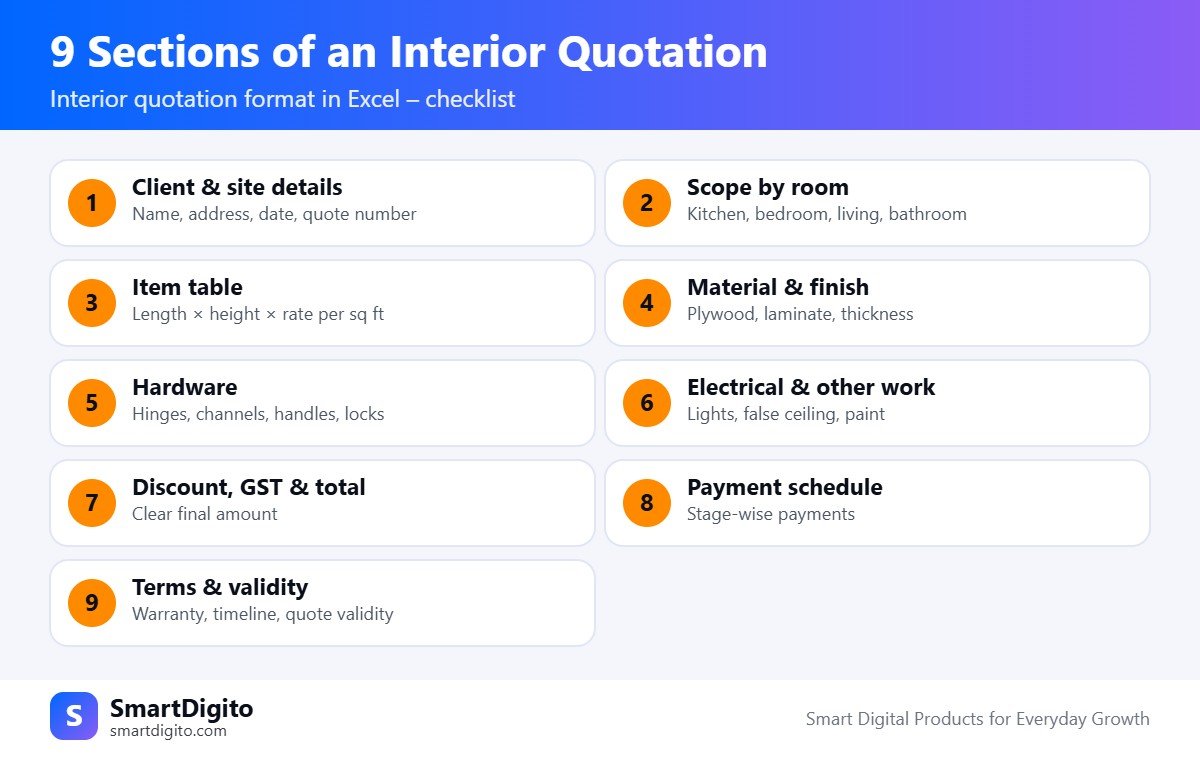
1. Client and Site Details
Write the client name, mobile number, site address, quote number and date. Add your own studio name, logo and contact details at the top.
2. Scope of Work by Room
Group the work room by room, such as kitchen, living room, master bedroom and bathroom. This helps the client see where the money goes, and it makes later changes easier.
3. Item Table with Size and Rate
For every item, show the name, length, height or depth, the rate per square foot, and the total. A client should be able to check your maths with a calculator.
4. Material and Finish
Mention the core material (for example, plywood or particle board), the thickness, and the laminate or finish. Using BIS-certified plywood and saying so in your quote can build trust. You can read about standards on the Bureau of Indian Standards website.
5. Hardware and Accessories
List hinges, drawer channels, handles, locks and lifts as separate lines, or as sub-lines under each cabinet. Branded hardware costs more, so mention the brand or grade.
6. Electrical, False Ceiling and Other Work
Many projects also include lights, false ceiling, paint, wallpaper or tiles. Keep these in their own section so they do not get mixed with carpentry.
7. Discount, GST and Final Total
Show the subtotal first, then the discount, then GST if you are registered, and finally the grand total. Also write the amount in words. Check the GST rate that applies to your work with your CA.
8. Payment Schedule
Divide the payment into stages. A common example is 10 percent at booking, 40 percent at work start, 40 percent at mid-stage and 10 percent at handover. Use the split that suits your business.
9. Terms and Validity
Add the work timeline, warranty, what is not included, and how long the quote is valid. A validity date of 15 to 30 days is common, because material prices change.
How to Calculate the Cost
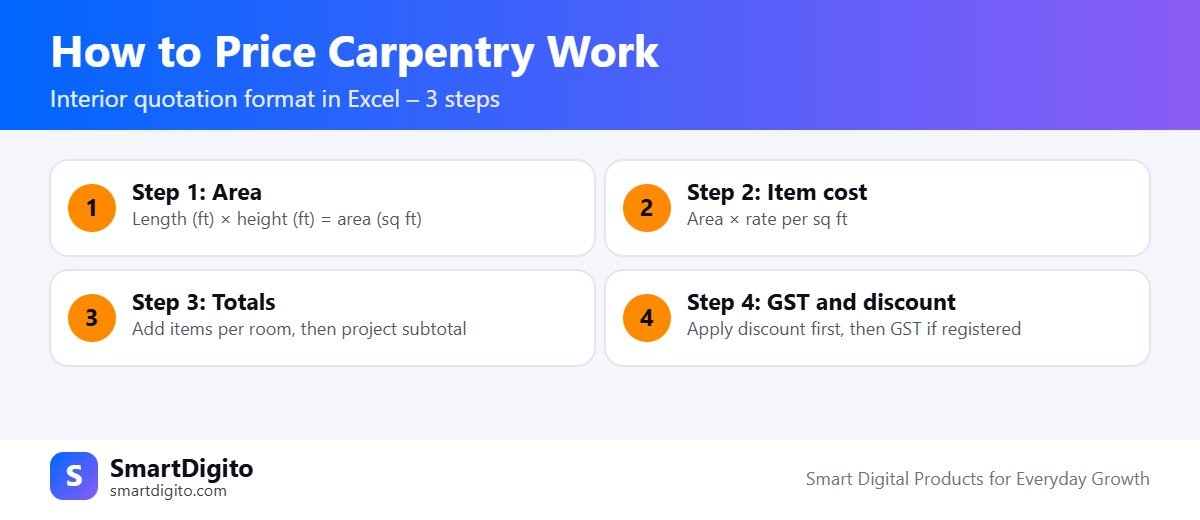
Most carpentry lines in an interior quotation format in India use the area method. The basic formula is simple.
Area (sq ft) = Length (ft) x Height (ft)
Item cost = Area x Rate per sq ft
In Excel, if length is in column D, height in column E and rate in column F, the cost in column G is:
=D2*E2*F2Use a SUM formula to total each room. Then add the room totals to get the project subtotal.
Simple Quotation Example
This is an illustrative example only. Your rates will be different.
| Item | Length (ft) | Height (ft) | Rate per sq ft | Cost |
|---|---|---|---|---|
| Wardrobe, laminate finish | 7 | 8 | ₹1,800 | ₹1,00,800 |
| TV unit | 6 | 3 | ₹1,500 | ₹27,000 |
| Subtotal | ₹1,27,800 |
Interior Quotation Format Mistakes That Cost You Money
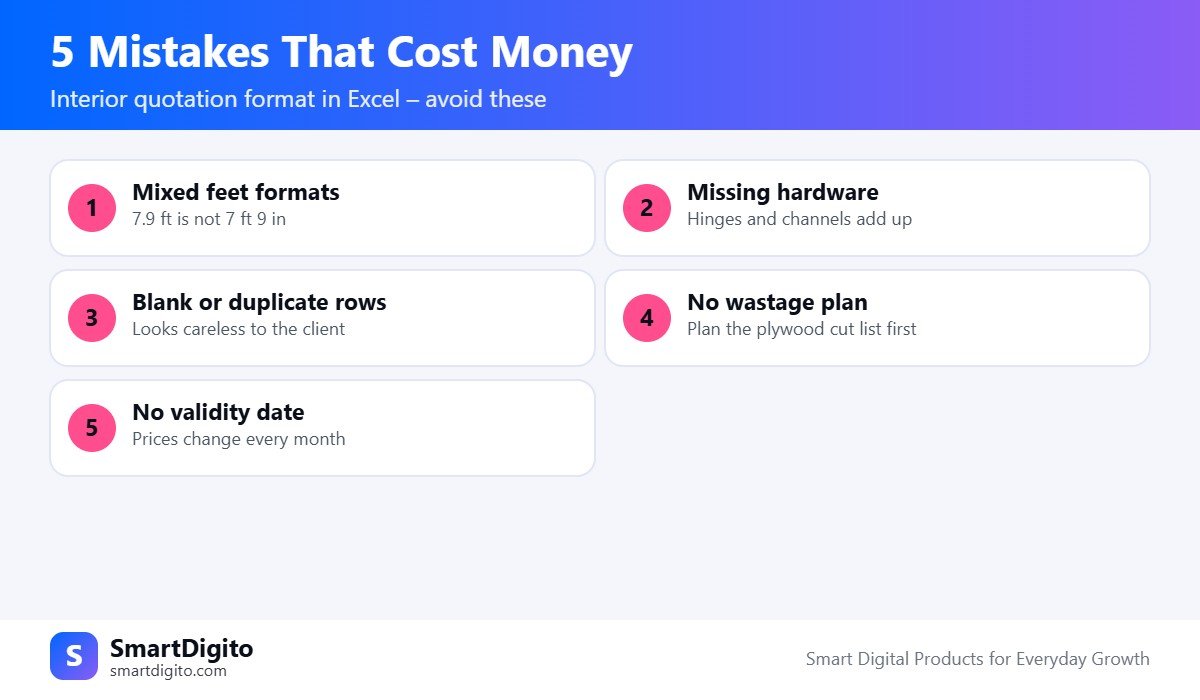
- Mixing feet formats. Is 7.9 feet the same as 7 feet 9 inches? No. 7.9 feet means 7 feet and about 10.8 inches. Decide one format and write it on the quote.
- Leaving out hardware. Channels, hinges and handles add up quickly.
- Empty or duplicate rows. A blank “side table” line in a client quote looks careless.
- No wastage in the plywood plan. Standard sheets are 8 ft x 4 ft, so a poor cutting plan wastes board. Plan the cut list before you finalise the material cost.
- No validity date. Without it, the client may ask for the old price after months.
Excel Tips for a Faster Interior Quotation Format
- Create a rate list on a separate sheet and look up the rate with a dropdown.
- Use data validation for room names so spelling stays the same.
- Lock the formula cells and leave only the input cells open.
- Save every revision as R1, R2 and R3, so you know which version the client approved.
- Set the print area to A4 and check the PDF before you send it on WhatsApp.
A Ready-Made Interior Quotation Kit
If you want to skip the setup, the Interior Designer Business Kit gives you an Excel estimator and quotation, a cut list, a project manager, a plywood cutting optimizer, forms and WhatsApp templates in one pack. It is made for Indian interior designers and carpenters, and you can edit all rates and terms yourself.
You can also read how a clean GST bill works in our guide to the tax invoice vs bill of supply, which helps when you invoice your clients.
Interior Quotation Format for Different Projects
The best interior quotation format changes a little with the type of project. A single wardrobe job needs a short format. A full-home project needs room-wise sections and a longer terms list.
Modular Kitchen Quotation
Kitchens are often priced per running foot for base units and wall units, plus separate lines for the counter top, chimney, hob and sink. Your interior quotation format should have a column for running feet, and a separate block for appliances and stone work.
Wardrobe and Storage Quotation
Wardrobes are usually priced per square foot of front area. Mention the depth, the number of shutters, drawers and internal shelves, because these change the cost a lot. A good interior quotation format keeps loft cabinets as a separate line.
Full-Home Interior Quotation
For a full home, group the quote by room and add a summary page at the start. This summary shows each room total and the grand total, so the client can understand the budget at a glance. Many designers also add optional items, such as extra lights or wallpaper, in a separate “optional works” list.
How to Present Your Interior Quotation to a Client
A clean interior quotation format is only half the job. How you present it decides if the client says yes.
- Send a PDF, not a screenshot. A PDF looks professional and cannot be edited by mistake.
- Explain the assumptions. Say which materials and brands you used, and what is not included.
- Offer two or three options. For example, a basic, a standard and a premium finish. The client feels in control.
- Walk through the quote. Spend ten minutes on a call or at the site, and answer questions.
- Follow up on WhatsApp. Send a short message and ask for a decision date.
- Keep revisions numbered. Use R1, R2 and R3 in the file name, so the approved version is clear.
Interior Quotation Format Checklist Before You Send
- Is the quote number, date and validity written?
- Are the client name and site address correct?
- Is every room listed separately?
- Are length, height and rate shown for each item?
- Are the material, thickness and finish clear?
- Is hardware listed, with brand or grade?
- Are electrical, false ceiling and paint in their own section?
- Are the discount, GST and final amount clear?
- Is the payment schedule written in stages?
- Are the terms, warranty and exclusions added?
If you can tick all ten, your interior quotation format is ready to send. Review it once a month and improve it after every project.
Frequently Asked Questions
What should an interior quotation format include?
It should include client details, room-wise scope, size and rate table, materials, hardware, extra work, discount, GST, payment schedule and terms.
Can I make an interior quotation in Excel?
Yes. Excel is ideal because it calculates area, cost and totals automatically, and you can save each quote as a PDF.
How do I price carpentry work per sq ft?
Multiply the length by the height to get the area, then multiply by your rate for that material and finish.
How many days should a quotation be valid?
Many designers keep 15 to 30 days, because plywood, laminate and hardware prices can change.
Final Thoughts
A well-built interior quotation format in Excel saves time, builds trust and protects your profit. Start with these 9 sections, test them on your next client, and improve the format after every project.